- Question: What about property rights?
Answer:
I thought that I make it easy ;-)
You may- let generate as many mazes as you like,
- adapt and vary the patterns and
- create from the original or your patterns what takes your fancy;
- sell the produced items and
- I don’t mind if you link to this site or
- give credit to unikatissima ;)
- not sell mazes created with my maze pattern generator!
- not embed my maze pattern generator into your site and
- not claim the patterns as your own.
- Question: Why doesn’t the maze have neither entry nor exit?
Answer:
I didn’t put any because everybody can make as many entries and exits as he/she wants wherever he/she wants.
You simply must ‘erase’ (for each one) one square (beside a white square).
- Question: What can I do with these patterns apart from filet crochet and cross stitch?
Answer:
The answer has two parts:- Such patterns can be used to work with many techniques, check my entry about what you can do with filet crochet and cross stitch patterns;
- especially the mazes are just as made for mosaic (slip-stitch) knitting. You can see a beautiful example on the photo of this entry, a couple of wrist warmers I knitted with it.
- Question: When I enter an even number of squares the maze pattern generator generates three more squares. Why?
Answer:
The answer has two parts:- The white edge doesn’t count for the width or height, resp., these are thus two more squares.
By the way it is the same when entering an odd number as width or height, resp.
I discovered that this edge is handy, even if I ignore it mostly. - The maze pattern can only be made with an odd number of squares (otherwise there is a wall missing), therefore I added a square when an even number is entered.
- The white edge doesn’t count for the width or height, resp., these are thus two more squares.
- Question: The saving of the overview or the patterns takes sometimes a lot of time! Why?
Answer:
The answer has two parts:- On the one hand the time that the maze pattern generator needs to save a chart depends on the size of the graphic.
- In case that you’re still using the Flash Player 9 everything works but the saving process takes longer than with the Flash Player 10.
If you want to update your Flash Player you can do this directly at Adobe.
If you don’t know which version you are using you can let display the version at Adobe, too.
- Question: My friend can let generate larger mazes than I can. Why?
Answer:
This depends on your Flash Player version, version 9 oder 10. The Flash Player 10 can generate larger mazes.
If you want to update your Flash Player you can do this directly at Adobe.
If you don’t know which version you are using you can let display the version at Adobe, too.
- Question: Why are the maze overview and the maze pattern generated?
Answer:
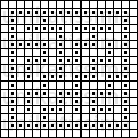
 The overview is the small picture, the pattern the larger one that you can use to work in different techniques.
I like to let generate different mazes and found, that I can’t see from the actual patterns whether I like them. Therefore I always compare the overviews and print then the pattern with the same name identification code, e.g. is the overview called ‘unikatissima_maze_7kD.png’ and the pattern ‘unikatissima_maze_pattern_7kD.png’.
- Question: The pictures I’m saving have strange names. Why?
Answer:
The overview, that’s the smaller picture, is always called ‘unikatissima_maze_***.png’, where ‘***’ stands for a random letter number combination.
The pattern, the larger picture that you can use to work in different techniques is always called ‘unikatissima_maze_pattern_***.png’, where ‘***’ stands for the same letter number combination as for the overview. E.g. is the overview called ‘unikatissima_maze_7kD.png’ and the pattern ‘unikatissima_maze_pattern_7kD.png’.
This way a pattern can easily be assigned to the overview after you’re chosen a beautiful maze.
- On the one hand I want to thank John Lauro for his wonderful Maze Maker but especially for kindly publishing the algorithm.
That made it much easier for me to let generate just as beautiful mazes as his :) - On the other hand I want to thank RIAmore.eu.
It would have taken me foreeever to convert my original program to Flash alone.
You can also read more about the maze pattern generator.
Completed patterns:
While working on my maze generator of course I generated looots of mazes – and most of them I found beautiful enough to save.
I give here some of them for your use. Simply click them with the right mouse button and select ‘Save image as…’ (or something like that).
I suggest strongly to save the overviews as well!
Please note that you accept my copyright terms by saving/downloading the pictures.
You find here mostly square mazes, but keep in mind that your items can look quite different if the unit represented by a square isn’t square!
A unit could be a stitch, a bead or a knot and so on. See also the entry ‘What Can You Do With Filet Crochet/Cross Stitch Embroidery Charts?’.
And here they are:
9 x 9 squares


17 x 17 squares

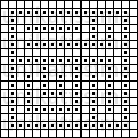

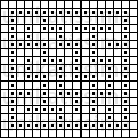
19 x 15 squares

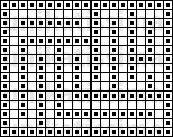

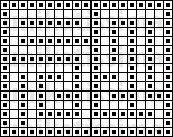
From now on click to enlarge:
33 x 33 squares

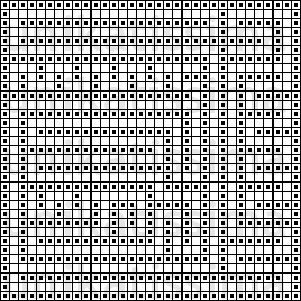
33 x 33 squares

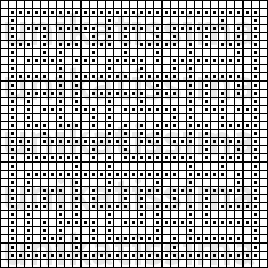
103 x 53 squares
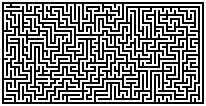
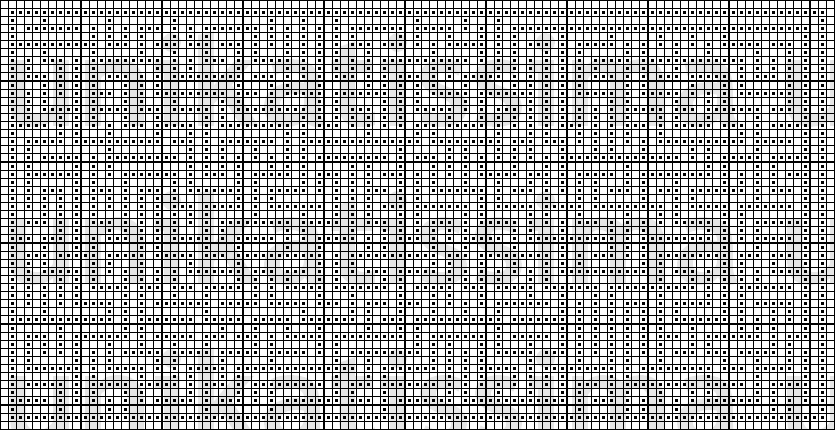
103 x 53 squares

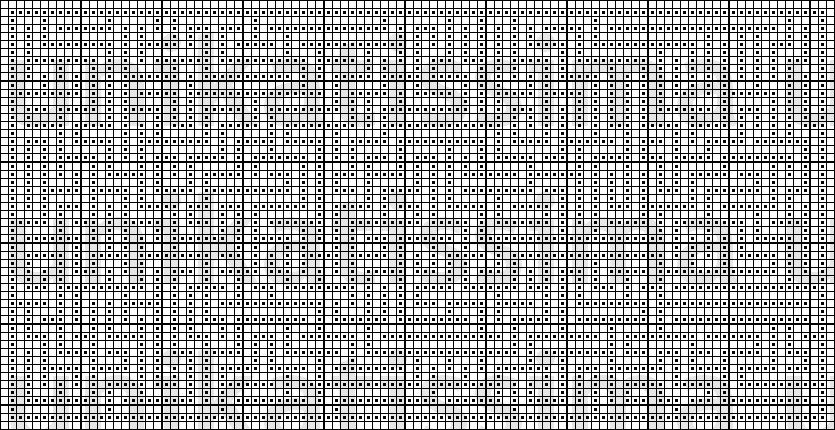
53 x 53 squares
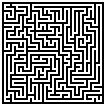
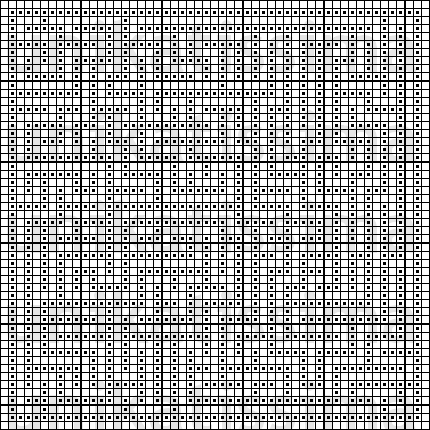
53 x 53 squares
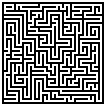
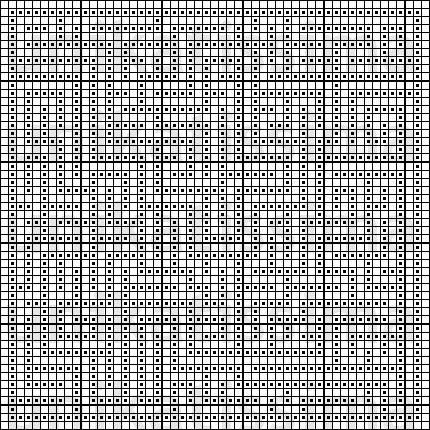
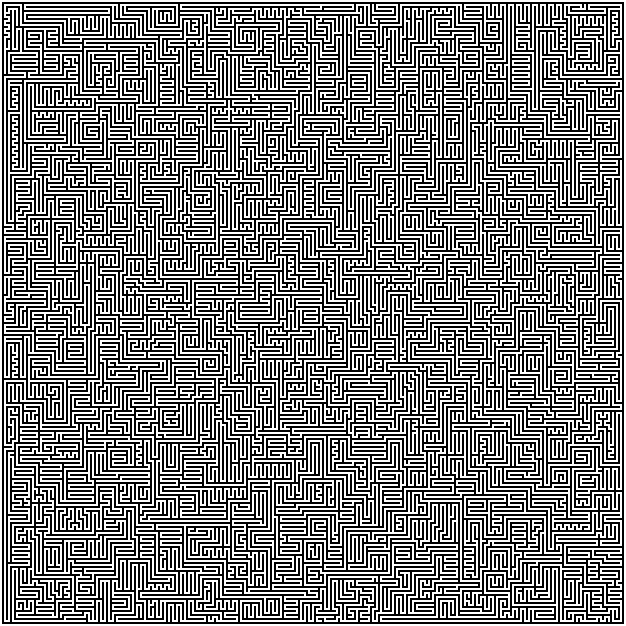
Click here to see the pattern, the chart is simply too large.


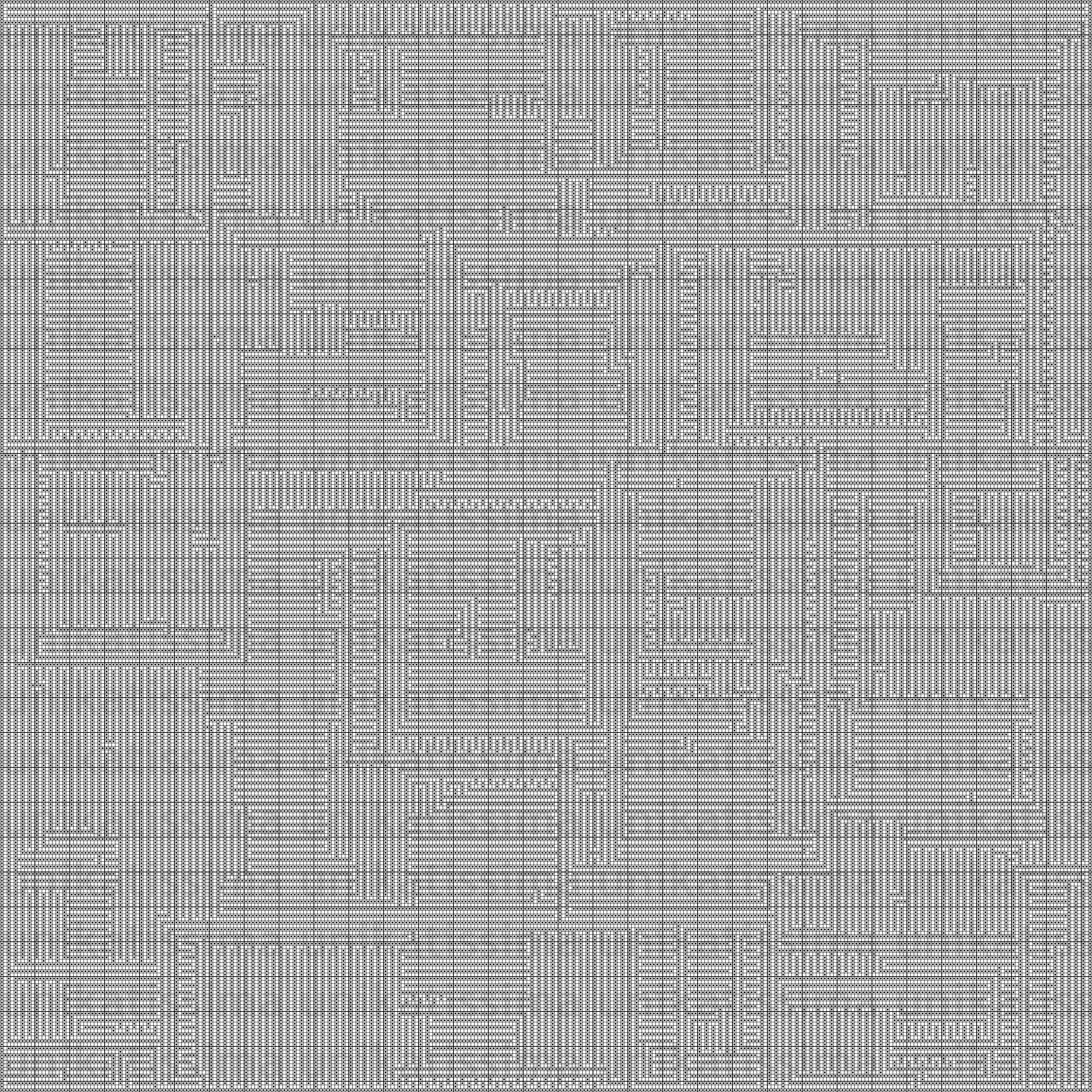
Click here to see the pattern, the chart is simply too large.
crochet medaillon
Great idea for mosaic knitting, wonderful work.
Thank you, Julia
Thank you very much, I’m so glad that you like it :)
Wow. Thank you so much. I am getting ready to start a double knitted afghan and wanted a maze for it as my son loves puzzles. I could only find celtic patterns which were close, but this generator is perfection. Thank you again. Can’t wait to by yarn and cast on for this project.
Patrice, that sounds intriguing!
It would be so great if I could see photo’s at some time :)
Have fun knitting!
If only I had known about this site 12 months ago before I created a maze myself using excel then cut up lots of blacks & whites and put back together to make a maze quilt.
Will keep it in mind though for if I’m insane enough to cut thousands of 2.5″ squares again for another quilt. It’s fabulous
Sharon,
Thank you, I’m glad that you like it – and I’m looking forward to your next maze craziness ;-)
If possible I’d love to take a look at your maze quilt – the current and the future :))
And in between you can always use the maze charts for, say, a couple of wristwarmers or a filet crochet curtain (would be it’s own kind of craziness ;-)) or a nice beaded pendant.
Or you can make something completely different ;-)
many thanks for creating this….. I’m going to try it on my bead loom bracelets :-)
Sandy,
“I’m going to try it on my bead loom bracelets”
That’s great!
If you’ve done this I’d love to see a photo :)
Have fun bead looming!
Susann
THIS IS SO TOTALLY COOL. I’M USING IT FOR THE CENTER OF A FILET TABLECLOTH.
THANKS BUNCHES
MERRY CHRISTMAS
nanandtallpapa,
Great!
After you’ve finished, please send us a link to take a look at it :)
Wow this is super useful – I’m going to start a project using these next week. May send you a link to the finished article if it’s good enough :)
Linda,
you’re very welcome – and I’d love to get to know about the finished article – even if it’s not good enough ;-)
Hey there this is kind of of off topic but I was wondering if blogs use WYSIWYG editors or if you have to manually code with HTML. I’m starting a blog soon but have no coding experience so I wanted to get advice from someone with experience. Any help would be greatly appreciated!
It is far off-topic.
Go to wordpress.com/ or blogspot.com or any other free blog, start a blog and see how they work and what they offer.
Good luck.
This is very useful.
I did not expect to find the easiest way to generate mazes!
:)
Abats,
I’m glad that you like it :)
Enjoy!
Interesting. I, too, would like to see the completed work.
any way to make one with a central room?
tez,
the generator is not designed to make automatically a maze with a hole in the centre, but you can print it and simply efface the part you don’t want to knit/crochet/sew/…
If you feel it desirable, you can then enclose the hole with a row of dark little squares, possibly even with an entry to the centre.
Does this answer helps you?
Enjoy playing with the maze pattern generator!